Free file tool
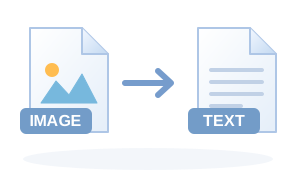
Free Image to Text (OCR) online
Read printed text out of photos and screenshots using Tesseract OCR. Use the tool directly in your browser with no sign-up. It supports multiple source files in the same session, so it also works as a free batch tool when you have more than one file.
Free to use
No payment required for this tool.
Batch conversion
Queue multiple source files in one session.
Browser-based
The conversion workflow runs from the web page on your device.
No sign-up
Start the file workflow without creating an account.
What Image to Text (OCR) is useful for
- Extracting printed text from photos
- Copying text from screenshots
- Turning a clear scan into editable text
Input and output checks
Accepted input: Common browser-readable images.
- Open the downloaded output before deleting or replacing the source file.
- Check the details that matter for your use: page count, dimensions, orientation, text, duration or metadata.
- For batch jobs, confirm every queued file produced the expected output.
- If quality or size matters, compare more than one settings combination before choosing the final copy.