Tile Quantity Calculator

Find how many floor or wall tiles you need for a room, including cutting wastage and total cost.

ConstructionInstant resultsFormula shown100% in your browser

Inputs

Formula

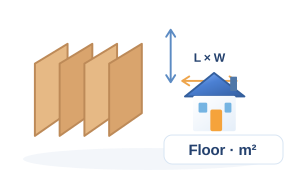
  • Room area = length × width
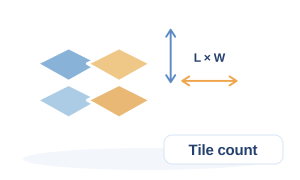
  • Tile area = tile length × tile width
  • Tiles = room area ÷ tile area × (1 + wastage)

Tiling is a simple area division, but always add wastage: 8–10% for a plain rectangular room and up to 15% when the room has many corners or a diagonal pattern. Tiles come in boxes, so round up to whole boxes when ordering.

Step-by-step calculation

  1. 1

    Area

    length × width

    11.15 m²

  2. 2

    Piece area

    L × W

    0.36 m²

  3. 3

    Count

    area ÷ piece area

    31 nos

  4. 4

    With wastage

    × 1.1

    35 nos

Worked example

  1. 1A 12 ft × 10 ft room = 120 sq ft = 11.15 m².
  2. 2600 × 600 mm tiles have an area of 0.36 m² each → 31 tiles.
  3. 3With 10% wastage you order 35 tiles.

Tips

  • Buy one extra box and keep it — the same batch shade will not be available later.
  • Start tiling from the room centre so cut tiles fall equally at both walls.

Frequently asked questions

How many 600×600 tiles in 100 sq ft?

100 sq ft is 9.29 m² and each tile covers 0.36 m², so 26 tiles plus wastage — about 29.

How much wastage should I allow?

10% for normal rooms, 15% for diagonal layouts or rooms with many cut-outs.

Do I need to subtract door openings?

For floors, no. For wall tiling, measure the window and door areas separately and reduce the area.

Related calculators

Keep going with more construction tools.